 SnapNuvo
Spam calls and texts · November 23, 2026 · By Robert
How to stop spam texts on iPhone: the two switches iOS 26 hides
To stop spam texts on iPhone, go to Settings, Apps, Messages and turn on Screen Unknown Senders. Apple says it's off by default in iOS 26. Keep Filter Spam on too, and texts from strangers move out of your main list while obvious spam stops pinging you at all. Then report what gets through and forward scams to 7726. It takes two minutes.
How to stop spam texts on iPhone with Screen Unknown Senders
- Open Settings > Apps > Messages.
- Scroll to Unknown Senders and turn on Screen Unknown Senders. You can also get there in Messages: tap the Filters button, then Manage Filtering.
- Under Allow Notifications, choose which kinds still alert you: Time Sensitive, Personal, Transactions and Promotions. That keeps delivery codes and bank alerts coming.
Texts from numbers you don't know now land in the Unknown Senders filter. If one's real, open it and tap Mark as Known. Apple says allowed messages show notifications and stay in your list for eight hours, then move to Unknown Senders (Apple).
Keep Filter Spam on, and know where the Spam folder is
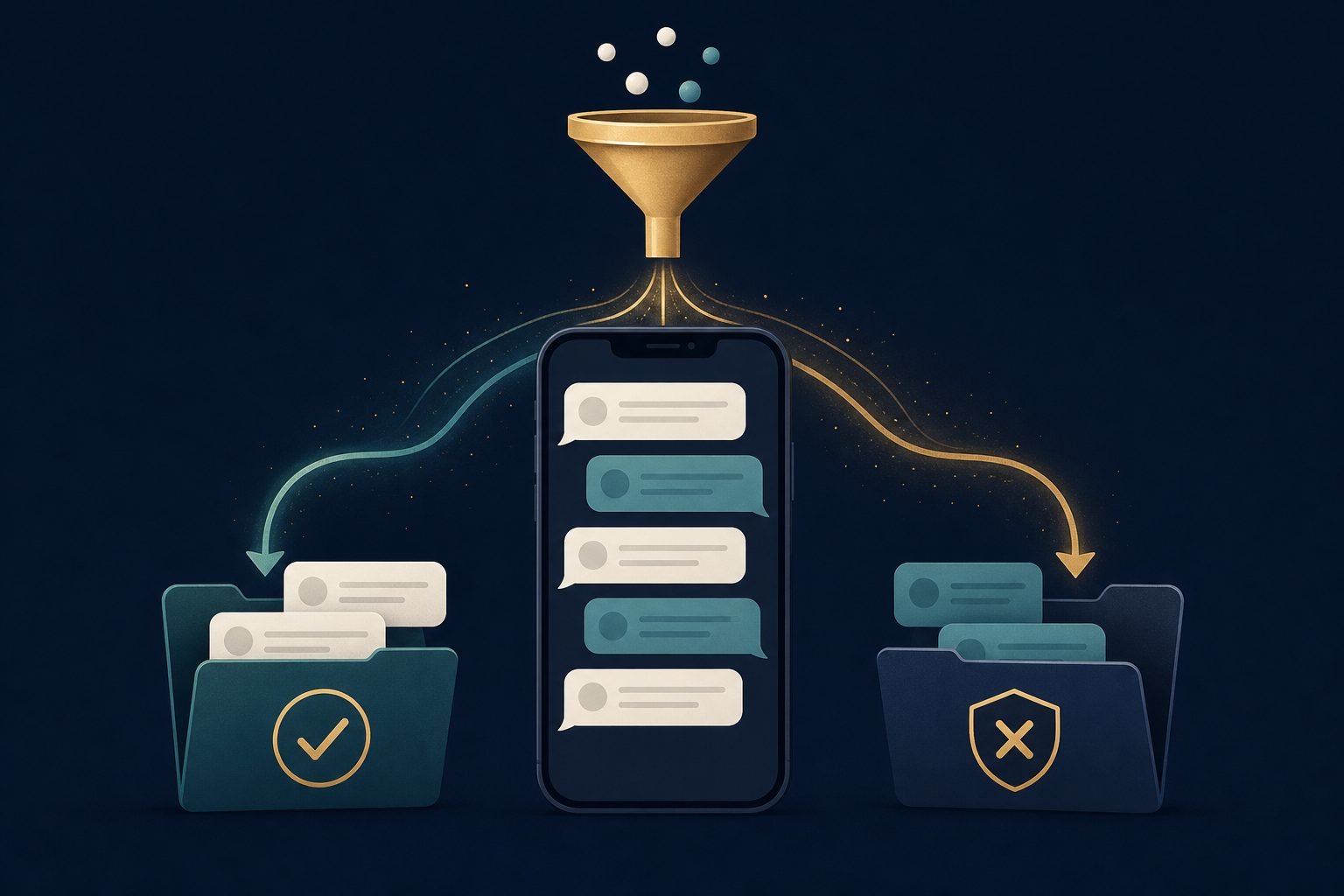
Filter Spam is on by default in iOS 26. Check it at Settings > Apps > Messages > Filter Spam. Texts it catches go to Messages > Filters > Spam, and Apple says "you don't receive a notification for messages identified as spam" (Apple). If a real text ends up there, tap it, then Not Spam and Move to Inbox.
Report junk, block, and forward to 7726
- Report Junk: texts from unknown senders show a Report Junk link under the message. Tap it to report the text to Apple.
- Block: tap the sender's name at the top of the chat, then Block Caller.
- Forward to 7726 (it spells SPAM) so your carrier can trace the sender.
Don't reply, not even STOP, and don't tap links. That's the FTC's advice for unexpected texts (FTC). People reported losing $470 million to text scams in 2024 (FTC Data Spotlight).
Why they have your number in the first place
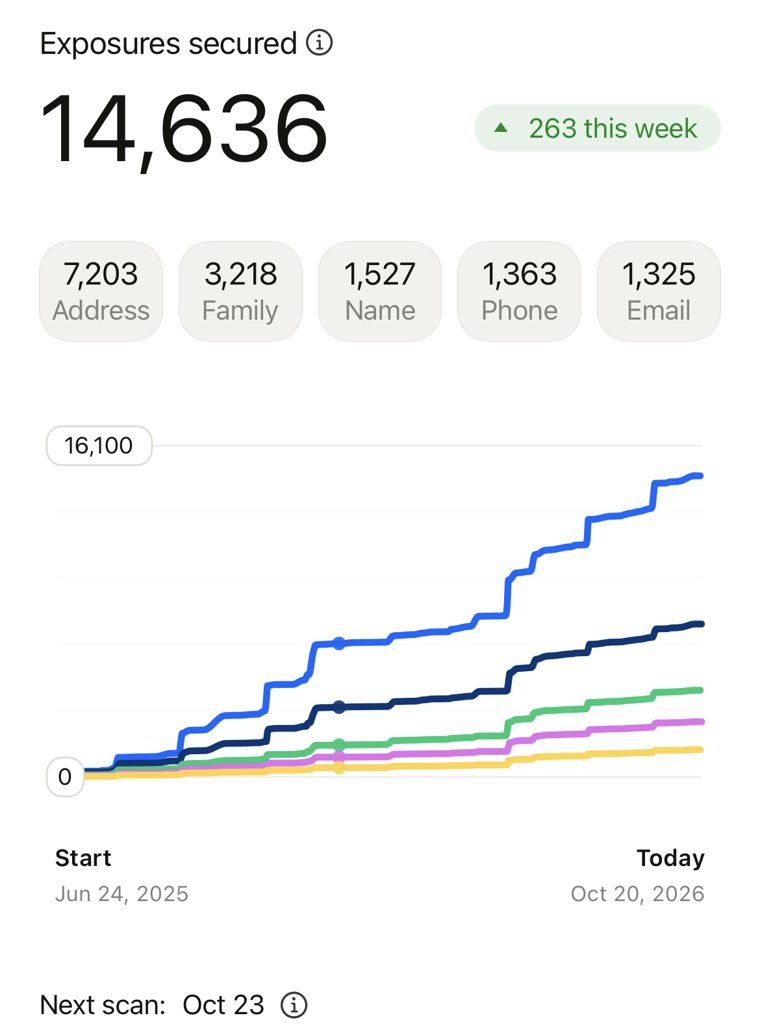
Filters sort spam. They don't stop it being sent. Spammers buy numbers from people search sites and data brokers. On our own Cloaked account, 1,363 of the 14,636 exposures it has secured were phone numbers. We explain the five ways numbers leak in how do spammers get my phone number, and you can hide yours from Google with these free steps.
On Android? See how to stop spam texts on Android. For calls, see how to stop spam calls on iPhone.
Want to see which sites sell your number? Cloaked has a free exposure scan before you pay anything.
Run Cloaked's free scan →May earn SnapNuvo a commission
Common questions about iPhone spam texts
Is Screen Unknown Senders on by default?
No. Apple says it's off by default in iOS 26, unless you had the older Filter Unknown Senders switch on in iOS 18. Turn it on in Settings, Apps, Messages.
Will I miss delivery codes and bank texts?
Not if you set up the Allow Notifications options. In the US you can let time-sensitive messages, transactions and others still notify you, and those texts stay in your list for eight hours before moving to Unknown Senders.
Where do spam texts go on iPhone?
Into the Spam folder: open Messages, tap the Filters button, then Spam. Apple says you don't get notifications for texts it marks as spam, and you can move a real message back with Not Spam.
Should I reply STOP to a spam text?
Not to a scam. Replying tells the sender your number is active. Report it, forward it to 7726 and delete it. STOP is fine for a real company or campaign you recognize.
Related: How to stop spam texts on Android · Unpaid toll text scam · Amazon refund text scam
Sources
- Apple, View conversations from unknown senders in Messages on your iPhone, April 8, 2026
- Apple, View and recover spam messages on your iPhone, September 14, 2026
- FTC, Unexpected text scam alert
- FTC, Data Spotlight: top text scams of 2024
- Our own Cloaked account, exposures by type, checked October 20, 2026